Communication is an essential pillar of the well-being of elderly people, and senior tablets represent a leading technological solution to maintain this precious connection. Faced with a multitude of options, a rigorous comparison is necessary to find the model that will truly simplify communication. This article will guide you through the best tablets specifically designed for seniors, focusing on ease of use and the quality of video calls.
Why is a senior tablet indispensable for communication?
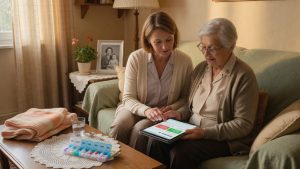
In a world where physical distance can sometimes separate families, a senior tablet becomes an invaluable communication tool. It allows elderly people to stay connected with their loved ones, participate in family life, and break isolation. Simplified access to video calls is a revolution, offering a visual presence that strengthens emotional bonds.
According to a recent study, regular use of digital communication by seniors can reduce feelings of loneliness by 30%. This statistic highlights the deep impact of these devices on emotional well-being. Brands like LiNote or Facilotab have understood this dynamic well, developing products that prioritize accessibility and simplicity.
What are the specific advantages of a tablet for seniors?
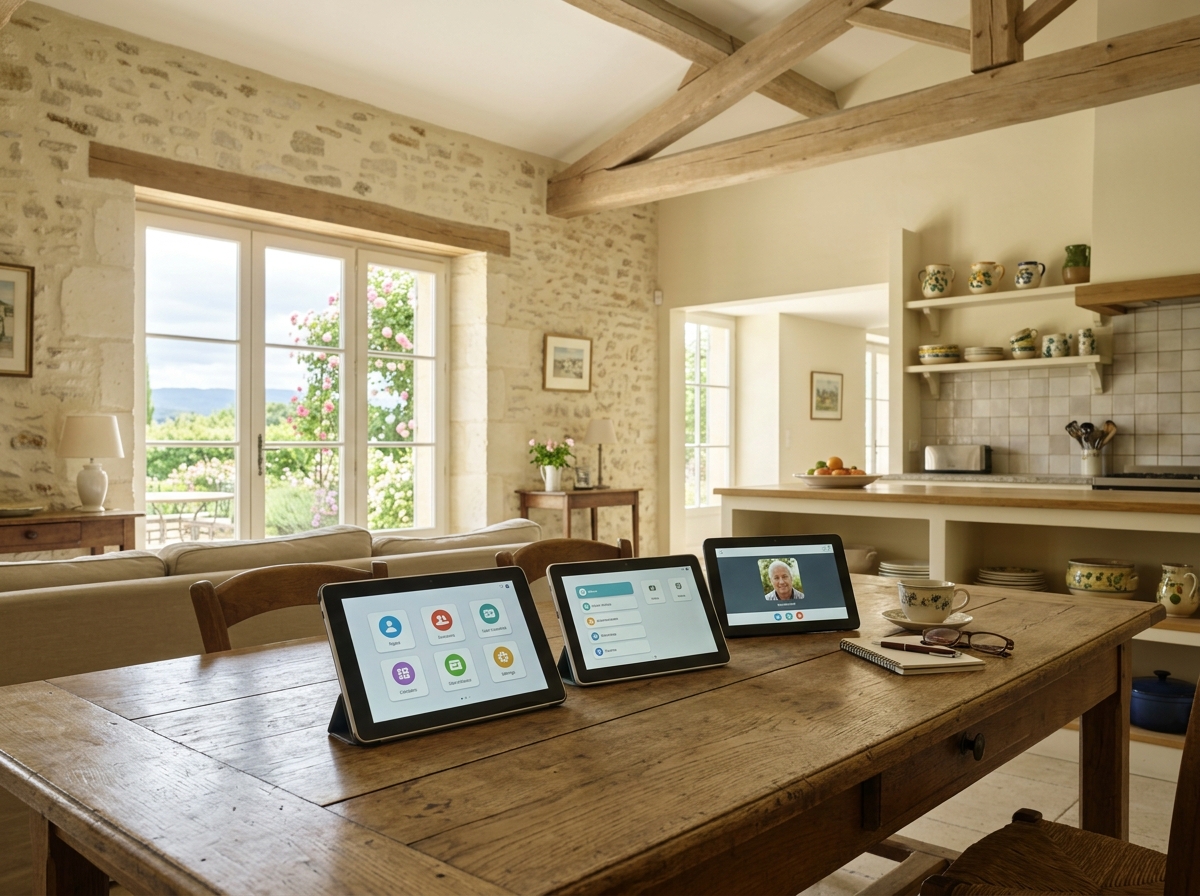
Tablets designed for seniors stand out from mainstream models by featuring a simplified interface, larger icons, and often personalized support. They eliminate technical complexities, allowing users to focus on the essential: communication. A large screen facilitates reading and navigation, making the experience more pleasant and less intimidating than that of a smartphone or a traditional computer.
These devices are designed to meet the specific needs of elderly people, whether related to vision problems, dexterity, or familiarity with new technologies. Ease of use is the key term, ensuring that every video call is a source of joy and not frustration.
Essential criteria for a successful comparison: connectivity and simplified interface
Before embarking on a comparison, it is essential to fully understand the fundamental criteria to choose a senior tablet adapted to the needs of elderly people, in order to target the most relevant models. Two major aspects emerge: reliable connectivity and an intuitive user interface. Without these pillars, even the most sophisticated model loses its appeal for a senior audience.
Good connectivity guarantees smooth and uninterrupted video calls, a crucial element to maintain quality communication. The simplified interface, on the other hand, ensures that the device is accessible to all, without requiring advanced technical skills. It is the balance between these two factors that will determine the relevance of a tablet for elderly people.
How to evaluate the connectivity of a senior tablet?
The connectivity of a senior tablet mainly depends on its ability to connect to a Wi-Fi network, and sometimes to 4G. For quality video calls, a stable connection is essential. It is important to check compatibility with modern Wi-Fi standards (Wi-Fi 5 or 6) to ensure sufficient speeds. A 4G option can be an asset for mobile users or those without Wi-Fi at home.
Tablets like LiNote, for example, are often designed for “plug and play” connectivity, minimizing configuration steps. This greatly contributes to ease of use. A USB-C port for fast and easy charging is also a considerable plus.
What is a simplified interface and why is it crucial?
A simplified interface is characterized by clear menus, large icons, and a limited number of options on the screen. The goal is to reduce complexity and the risk of errors. Custom operating systems, such as those found on Facilotab, are specially designed for this use, often based on Android but deeply modified for simplicity.
This approach contrasts with the often dense interface of mainstream tablets. For a senior, each additional step or unnecessary option can become an obstacle. That is why brands like LiNote focus on a streamlined user experience, where every function is designed to be intuitive.
Top 3 best senior tablets for smooth video calls
The senior tablet market is booming, with players who stand out by their innovative approach to communication. Our comparison highlights three models that excel in facilitating video calls and ease of use for elderly people. These choices are based on user experience, reliability, and concrete feedback.
It is important to note that the “best” product will always depend on the specific needs of each user, but this selection offers an excellent starting point for your research. We have prioritized solutions that ensure superior video call quality, with a simplified interface and robust connectivity.
1. LiNote: simplicity in the service of family connection
LiNote positions itself as a benchmark for elderly people who want an ultra-simplified communication solution. Its strength lies in its ability to receive video calls without any action from the user. Loved ones manage the device remotely, which is a major advantage for seniors less comfortable with technology.
The video call quality is excellent, with a large screen and clear sound. LiNote also offers photo and message sharing features, thus strengthening social and family bonds. It is a product praised by consumer associations such as Que Choisir for its relevance and ease of access.
2. Facilotab: Android revisited for seniors
Facilotab offers a range of Android tablets specially adapted for seniors. The Facilotab interface replaces the complex Android environment with simplified menus, large icons, and direct access to essential functions, including video calls. The learning curve is quick, even for beginners.
These tablets offer great flexibility, allowing the installation of additional applications if desired, while maintaining an interface designed for ease. Wi-Fi connectivity is standard, and some models offer 4G. Reviews on platforms like Fnac regularly highlight user satisfaction with ease of use and call quality.
3. Ardoiz: La Poste’s tablet, a reliable choice
Ardoiz, the tablet from La Poste, is also aimed at seniors with an approach focused on simplicity and support. Its interface is intuitive, with large icons and direct access to communication functions, including video calls. The device comes with a subscription that includes technical support, an asset for less autonomous users.
Although perhaps less known for video calls than LiNote, Ardoiz offers a complete and secure solution, with reliable connectivity. It is a solid choice for those looking for an established brand and accessible customer service.
Beyond communication: complementary features for autonomy
Video calls are a flagship feature, but to explore all the ways to use a senior tablet to maintain social and family ties, discover how these devices enhance daily connections. Beyond simple communication, these devices are true allies for independence. To delve deeper into how to understand why a senior tablet improves daily autonomy, explore the many facets of this technology.
Senior tablets are increasingly versatile, integrating features that go far beyond simple communication. They become real service hubs for elderly people, contributing to their autonomy and daily well-being. These additions are designed to simplify life and offer discreet but effective support.
Appointment management and medication reminders
A highly appreciated feature is the management of medication reminders. Some tablets, such as those offering specific software overlays, include dedicated applications that alert the senior at the scheduled time to take their treatments. This represents precious help for adherence and safety.
Similarly, integrated calendars with visual and sound reminders can help manage medical appointments, birthdays, or other important events. The objective is to relieve the senior from certain mental constraints, allowing them to live more serenely.
Access to leisure and information
Senior tablets are not only communication tools. They also open the door to a world of leisure and information. Reading the news, listening to music, viewing photos, or even playing adapted games are all activities that help stimulate the mind and enrich daily life.
Platforms like Facilotab offer simplified access to entertainment applications, while LiNote can display family photos in slideshow mode, turning the device into an interactive digital photo frame. These features are essential to maintaining an active and engaged life.
How to choose the ideal senior tablet: our final buying guide
Choosing a senior tablet is an important decision that must be carefully considered. This buying guide aims to synthesize the key elements to help you make the best choice, based on the specific needs of the elderly person concerned. Keep in mind that the goal is to simplify their life, not complicate it.
Security is a major concern. It is crucial to analyze controversies around data security on senior tablets to ensure safe and protected use. A good choice guarantees smooth communication, increased autonomy, and peace of mind for the whole family.
What budget to plan for a quality senior tablet?
The price of senior tablets varies considerably, ranging from entry-level models to more sophisticated solutions with subscription. Products like Facilotab or Ardoiz often are in a mid-price range, offering good value for money. LiNote, with its all-in-one approach and remote service, may represent a higher initial investment, but it is justified by ease of use and included support.
It is important not to focus solely on price, but to consider all the services offered, including technical support and additional features. A purchase from recognized retailers like Fnac or Boulanger, or directly from brands, can offer reliable guarantees and after-sales service.
The importance of technical support and accompaniment
For many elderly people, the most intimidating aspect of new technologies is the lack of support. That is why customer service and accompaniment are essential selection criteria. Brands like LiNote stand out with remote support that can configure the device and solve problems without the senior’s intervention.
Some models, like Ardoiz, include a subscription with privileged access to telephone assistance. Before purchasing, inquire about the availability and quality of technical support. Good accompaniment is the key to successful and lasting adoption of the tablet.
Choosing the best senior tablet for simplified communication is investing in the well-being and autonomy of our elders. By prioritizing brands like LiNote or Facilotab, and focusing on a simplified interface and smooth video calls, you offer an invaluable gift: that of connection. Technological advances continue to transform the daily lives of seniors, allowing them to stay active and engaged. To go further and find the best senior tablet to stay connected and autonomous, explore the options that combine performance and ease of use.