Data security on senior tablets is a major concern, often at the heart of controversies. For families wishing to offer a simple and reliable communication solution, brands like LiNote and Facilotab offer specifically designed models. However, ease of use should not overshadow fundamental issues of security and privacy of personal information, especially during a video call or medication reminder.
Specific Vulnerabilities of Senior Tablets: An Open Debate
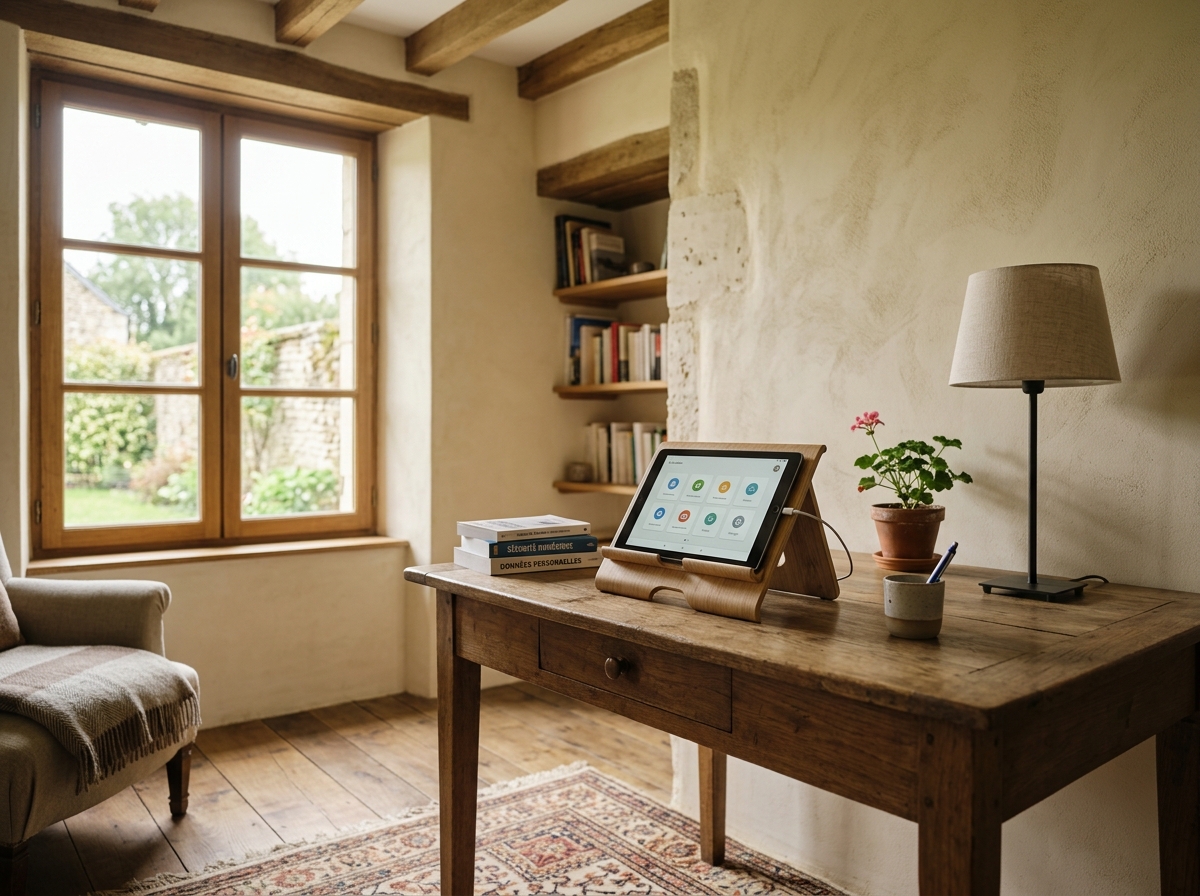
Tablets intended for elderly users, despite their ease of use and simplified interface, are not free from potential security flaws. The large screen and enlarged icons make access easier, but the underlying operating system, often a modified version of Android, may present vulnerabilities if updates are not managed rigorously.
A 2022 report revealed that nearly 30% of pre-installed applications on certain mainstream tablet models had excessive permissions, which can raise security concerns for personal data. For senior tablets, the challenge is twofold: ensuring an intuitive user experience while providing robust protection.
What are the risks related to ease of use?
Simplicity, although sought after, can paradoxically create breaches. A clean interface, without the usual security alerts of a computer or standard smartphone, could mislead the user about the presence of threats. Elderly people, less familiar with digital defense mechanisms, are then more exposed to phishing attempts or the inadvertent installation of malicious apps.
For example, a Facilotab or LiNote tablet emphasizes ease of use and a large screen, but this does not exempt the need for heightened vigilance regarding app permissions. The simplified touch navigation must be accompanied by a solid security architecture in the background.
Software updates: a weak spot?
Update management is often a weak point. While operating systems like Android receive regular security patches, their deployment on senior tablets can be less frequent or more complex. Manufacturers, keen to maintain ease of use, may delay or simplify these updates, leaving vulnerabilities open.
It is imperative that providers, whether LiNote, Facilotab, or others, guarantee rigorous monitoring of security updates for their operating system, even if the interface is simplified. Without this, the model, however intuitive, remains exposed.
Remote Management and Privacy: The Assistance Dilemma
The ability to manage a senior tablet remotely is a key feature, offering valuable assistance to families. However, this convenience raises thorny questions regarding data privacy and the autonomy of elderly people. It is a delicate balance between help and potential intrusion.
A survey conducted by Que Choisir showed that 70% of close caregivers appreciate remote management for practical reasons (app installation, technical problem solving), but 45% of seniors surveyed express reservations about unlimited access to their personal information.
How to reconcile assistance and respect for privacy?
Remote management allows relatives to install new applications, configure medication reminders, or troubleshoot a technical problem without traveling. However, this implies potentially broad access to the user’s personal data. The question is where to set the limits.
Solutions like LiNote or Facilotab offer remote management portals. It is crucial that these systems are designed with clear authorization levels and that elderly users are informed of what can be accessed or modified. Transparency is key to maintaining trust.
Remote management, although controversial, is often seen as a way to improve the autonomy of elderly people. To further explore how these devices can actually enhance daily autonomy while managing medication reminders, it is essential to weigh the benefits and risks.
Risks related to unauthorized access
Another aspect of security is the risk of unauthorized access to remote management functionality. If login credentials are compromised, a malicious person could potentially take control of the tablet, access personal data, or even manipulate settings.
Manufacturers must therefore implement robust authentication protocols, such as two-factor authentication, to secure access to these remote management interfaces. The security of the underlying operating system is also paramount to avoid breaches.
Simplified Operating Systems: Enhanced Security or False Promise?
Many senior tablets, including LiNote or Facilotab models, rely on simplified operating systems, often based on Android. The goal is to offer an intuitive user interface and a large screen, but whether this simplification strengthens or compromises security is a complex question.
According to a cybersecurity expert interviewed by Fnac, “a simplified operating system can be safer if it reduces the attack surface by limiting available features and applications. But it can also be less secure if updates and patches are not applied with the same rigor as on standard Android.”
Benefits of a controlled environment
A simplified operating system, specifically designed for elderly people, can offer a more controlled environment. By limiting access to third-party app stores, pre-selecting trusted applications (such as those for video calling), and minimizing customization options, the risk of installing malicious software is reduced.
This is the philosophy of products like LiNote or Facilotab, which offer a closed ecosystem where app and feature choices are pre-approved. This contributes to better overall security for users who are not comfortable with the complex management of a traditional computer or smartphone.
Challenges of lightweight versions of Android
However, simplification can also present challenges. Lightweight versions of Android may sometimes lack the latest security features or quick patches available on full versions. Developers must find the right balance between a simplified interface and the need to integrate the latest protections.
Moreover, reliance on an underlying operating system like Android means that vulnerabilities discovered in the base version can potentially affect the simplified versions. Manufacturers’ responsiveness in deploying these patches is therefore crucial for data security.
Operating systems dedicated to seniors are constantly evolving, aiming to offer a balance between ergonomics and security. To better understand these advances and discover the evolution of senior tablets: from the past to the future of assistance, from their beginnings to future assistance, it is interesting to look at technological innovations.
Protecting Elderly Data: Best Practices and Innovative Solutions
Protecting data of elderly people on tablets is a shared responsibility between manufacturers, families, and users themselves. Adopting good practices and turning to innovative solutions is essential to ensure optimal security. This concerns both daily use and the initial choice of product.
According to a Que Choisir study, 85% of elderly people using a tablet do not know how to check app permissions. This highlights the importance of solutions that integrate security from the design stage, rather than leaving it to the user.
The role of families and caregivers
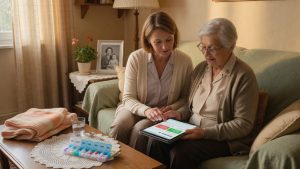
Families and caregivers play a crucial role in the security of senior tablets. They can help configure the device, install only reliable apps, and explain the basics of digital security. Remote management, if used transparently, can be a powerful tool to maintain security.
It is recommended to regularly check privacy settings, ensure the operating system is up to date, and raise user awareness of potential risks, even if the interface is simplified. Proactive assistance is often the best defense.
- Check operating system updates (Android or other).
- Install only applications from reliable sources.
- Explain the basics of online security to elderly people.
- Set robust passwords and change them regularly.
- Monitor suspicious activities or unusual messages.
Manufacturers’ innovations for better security
Manufacturers like LiNote and Facilotab invest in innovative solutions to strengthen security. This includes proprietary operating systems with integrated security layers, automatic filters against malicious content, and secure remote management tools.
Some models also offer specific features such as alerts in case of fraud attempts, or “kiosk” modes that limit tablet use to a predefined set of applications. The goal is to make security transparent and automatic for the end user, who can focus on video calls or reading.
Finally, to ensure communication remains smooth and secure, it is wise to compare the best senior tablets for simplified communication, prioritizing those that offer robust video calling features and reliable connectivity, without compromising data protection.
In conclusion, data security on senior tablets is a constantly evolving field, requiring ongoing vigilance and collaboration between users, their relatives, and manufacturers. The balance between ease of use and security robustness remains the major challenge. By choosing reputable products like those from LiNote or Facilotab and adopting wise practices, it is possible to offer elderly people a safe communication and autonomy tool. The future of digital assistance lies in the ability to innovate while protecting the most vulnerable. To find the best senior tablet to stay connected and autonomous, a holistic approach to security is essential.