Why is a senior tablet essential for medication reminders?
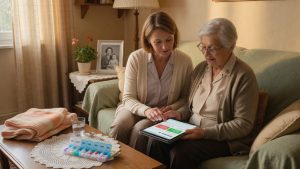
Managing daily treatments can become a challenge for elderly people, but a senior tablet offers an effective and discreet solution. Forgetting a medication dose, whether it is a chronic or occasional treatment, can have significant health consequences. This is where a tablet like LiNote or Facilotab, specifically designed for seniors, becomes a major asset. They offer a simplified interface and intuitive features, making medication reminders accessible to everyone.
The autonomy of elderly people is at the heart of concerns. A recent study showed that nearly 30% of hospitalizations among seniors are related to poor therapeutic adherence. By integrating a medication reminder system, the senior tablet helps reduce this risk, offering peace of mind to users and their loved ones. The ease of use of these devices is essential, avoiding the complexity of a smartphone or a traditional computer.
A valuable aid against forgetfulness
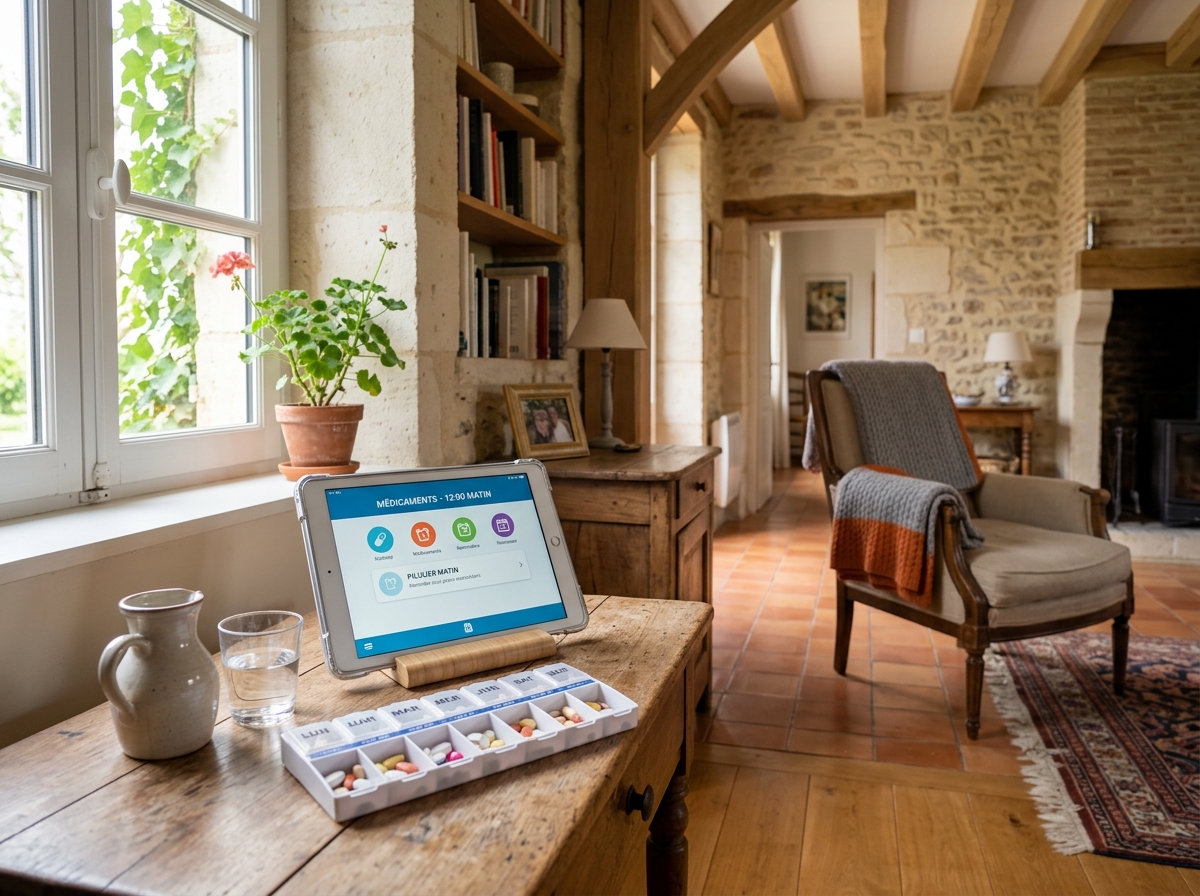
Medication reminders via a senior tablet are not limited to a simple sound alarm. They can include visual information, clear messages about the medication to be taken, its dosage, and the exact timing. This multimodal approach is particularly effective for people with memory disorders or reduced vision. The large screen of these tablets makes reading and understanding instructions easier.
Moreover, the possibility of an automatic video call to a relative in case of prolonged forgetfulness, as offered by LiNote, adds a reassuring layer of security. This feature strengthens the maintenance of social and family ties while ensuring remote monitoring. The goal is to preserve autonomy while guaranteeing safety and proper treatment adherence.
Which applications to choose for optimal treatment management?
The market for applications dedicated to medication management is vast, but not all are suited to the specific needs of seniors. Choosing an application should be based on ease of use, interface clarity, and reminder reliability. Operating systems like Android offer a multitude of options, but it is often preferable to turn to integrated solutions or applications specifically designed for senior tablets.
Before diving into application details, it is crucial to ensure that the device itself meets expectations. For this, a comprehensive guide on choosing a senior tablet adapted to the needs of elderly people will help you make the best choice, taking into account ease of use and simplified interface.
Dedicated applications and simplified interfaces
Brands like Facilotab integrate medication reminder applications directly into their operating system, thus simplifying the process for the user. These applications are often characterized by:
- Large, colorful icons.
- Large, high-contrast text.
- Voice instructions to guide the user.
- The possibility to schedule complex reminders (multiple doses per day, before or after meals).
For more classic Android tablets, applications such as “Mon Observance” or “Medisafe” are popular. However, it is important to test their interface to ensure it remains intuitive for elderly people. Associations like Que Choisir regularly evaluate these applications for their ergonomics and reliability.
The advantages of integrated systems
Tablets like LiNote or Facilotab have the advantage of offering a unified user experience. Medication reminders are not standalone applications to download and configure, but a native feature. This reduces the learning curve and potential frustration. Moreover, these systems are often designed to be managed remotely by a caregiver, which is an additional safety guarantee.
Fnac, for example, offers a selection of tablets with pre-installed applications or simplified operating systems, thus facilitating choice for families. The goal is always to maximize autonomy while minimizing technical difficulties.
How to configure and personalize reminders for maximum efficiency?
Configuring medication reminders on a senior tablet must be a simple and clear process. Maximum efficiency relies on advanced personalization, adapted to the habits and specific needs of each elderly person. A simplified interface is essential so the user can understand and interact with the system without difficulty.
It is often recommended that the initial configuration be performed by a caregiver or a family member, who can then train the user. Experience shows that good handling from the start is the key to successful adoption of the tablet and its medication reminder functions.
Key steps in programming reminders
Whether on a Facilotab, LiNote, or an Android model tablet, the configuration steps are generally similar:
- Adding medications: Enter the name of each medication, its form (tablet, capsule, etc.), and its dosage. Some applications even allow scanning the barcode of the boxes.
- Defining schedules: Program the precise intake times. It is crucial to consider meals and other daily activities for better adherence.
- Personalizing alerts: Choose the type of alert (sound, visual, vibration) and the duration of the notification. For hearing-impaired people, a large screen clearly displaying the message is a plus.
- Intake confirmation: Most applications require confirmation after the dose is taken, allowing precise tracking and detection of missed doses.
- Stock management: Some advanced applications include tracking of medication stocks and remind to renew prescriptions.
Ease of use of these configuration menus is a major selection criterion, as emphasized by Que Choisir in their senior tablet comparisons.
The caregiver’s role in personalization
For tablets like LiNote, reminder management can be done remotely by a caregiver via a web interface or companion app. This feature is particularly useful for adjusting schedules, adding new treatments, or checking adherence without being physically present. This aspect reinforces the autonomy of the elderly person while ensuring vigilant monitoring and increased safety.
The caregiver can also use the video call function to verify if the medication has been taken in case of no response to a reminder, turning the tablet into a genuine benevolent telemonitoring tool.
Beyond medications: what are the other benefits of a tablet for autonomy?
While medication reminder management is an essential function, a senior tablet like LiNote or Facilotab is much more than a simple electronic pillbox. It is a true companion for daily autonomy, a multifunctional tool that enriches the lives of elderly people in many ways. Ease of use and simplified interface are the pillars of this versatility, making touch technology accessible even to those who have never used a computer or smartphone.
Integrating medication reminders is just one example among many benefits. For a broader view of the benefits, discover understanding why a senior tablet improves daily autonomy and transforms the lives of elderly people.
Maintaining social and family ties
One of the most appreciated functions of senior tablets is simplified communication. Thanks to features like video calls, elderly people can stay in regular contact with their loved ones, wherever they are. LiNote, for example, allows receiving video calls without any manipulation, turning the tablet into an interactive digital photo frame that comes to life during calls. This ease of use is crucial to fight isolation.
Simplified emails, sending photos and messages are also common features that strengthen social ties. Fnac offers tablet models that highlight these communicative aspects, recognizing their importance for seniors’ well-being.
Entertainment and cognitive stimulation
Beyond communication, senior tablets offer access to a multitude of entertainment options: adapted games (sudoku, crosswords), online newspaper reading, music or podcast listening. These activities are not only enjoyable but also help keep the mind active. The large screen makes reading and navigation easier, even for people with reduced vision.
Beyond simple medication management, regular use of a tablet can have positive effects on cognitive functions. To explore this topic further, see assessing the impact of senior tablets on memory and cognitive functions and how certain applications can stimulate the mind.
Simplified access to information and services
A senior tablet can also provide access to practical information: weather, news, cooking recipes, or tutorials. Some tablets, especially under Android, even allow access to simplified online services, such as scheduling medical appointments or consulting administrative documents. This openness to the digital world, with a simplified interface, is a key factor in autonomy and participation in modern life for elderly people.
In conclusion, the senior tablet, far from being a simple gadget, is a versatile tool that significantly improves the quality of life of elderly people. From medication reminders to family communication, through entertainment and cognitive stimulation, it represents a valuable investment for autonomy and well-being. Choosing the right model, adapted to the specific needs of each person, is the first step towards a more connected and serene life.